

Useful materials

Pet care without scattered records

Three practical guides: what to keep in your medical history, how to prepare for a clinic visit, and how to set up reminders for upcoming tasks.

The owner is sitting at home next to the cat
01

Medical history

How to organize your pet's records

The goal is not to collect as many files as possible, but to quickly restore the sequence events.

Start with permanent data

Write down the species, breed, date of birth or approximate age, weight, allergies, chronic conditions, microchip number and insurance information. This is a baseline that does not need to be entered before each new event.

Keep each event separately

For a visit, vaccination, appointment, or test result, include the date, reason, physician's finding, and next follow-up step. Attach a scan or photo to a specific event, and not to a general folder without context.

Keep dynamics, not individual numbers

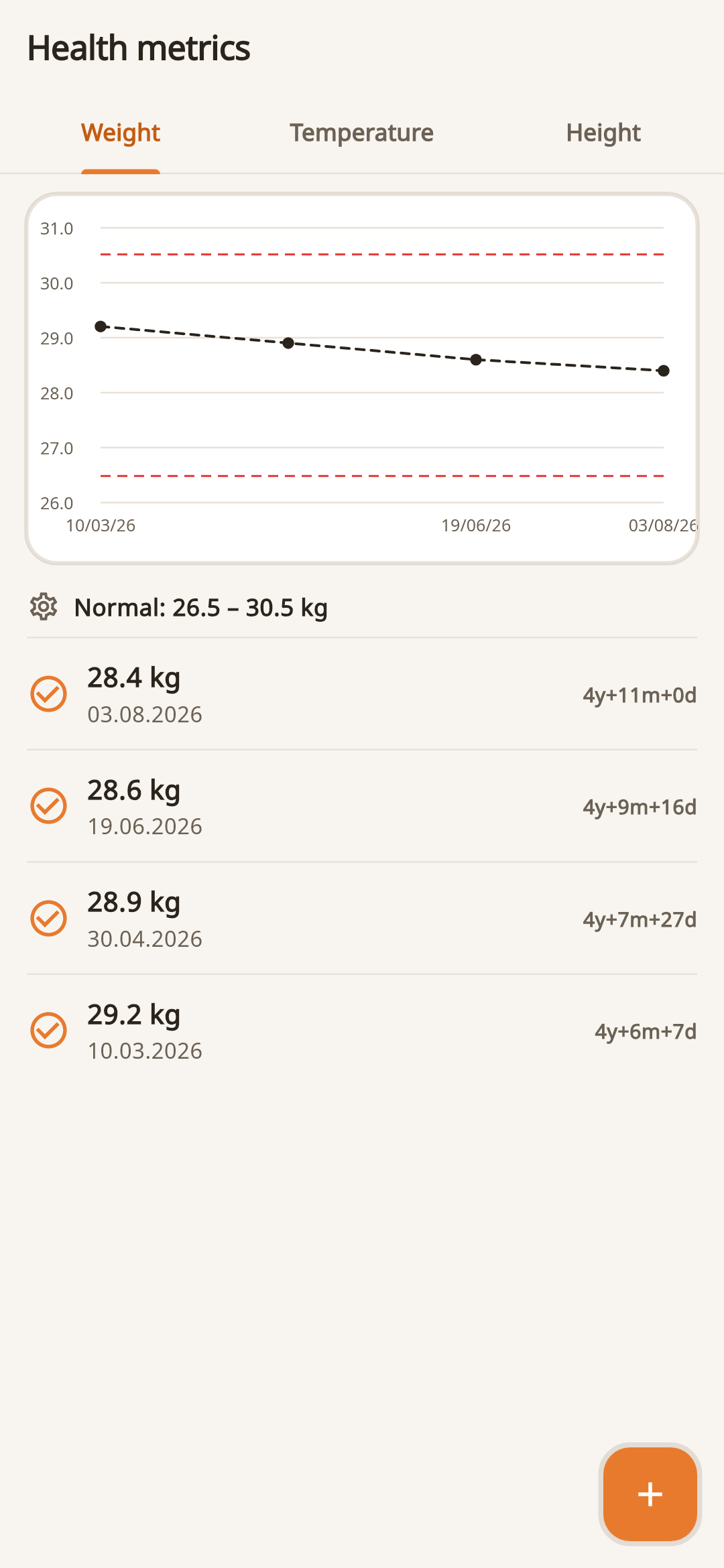
It is more useful to look at weight, height and temperature in sequence. If the value seems unusual, double-check the measurement and add a note about the conditions, and leave the medical conclusions to the doctor.

Bottom Line

Before your clinic visit, export a short history or open the latest events in your profile - this will make it easier for the doctor to see chronology.
02

Before the visit

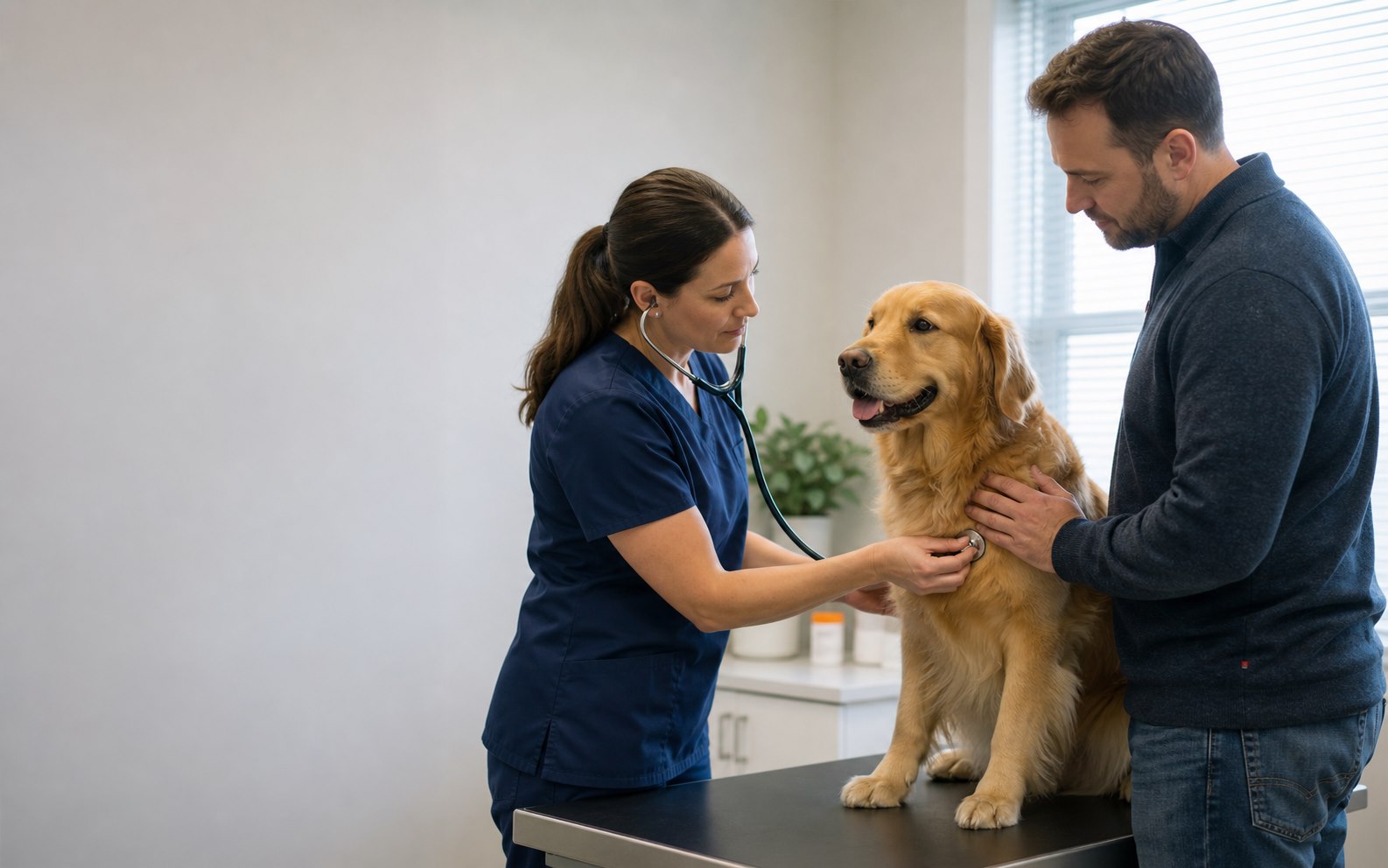
What to prepare for a visit to the veterinary clinic

A short and precise chronology is usually more useful than a long retelling from memory.

Record what has changed

Record the start time, frequency, changes in appetite, water, activity, breathing, urination and stool. If the symptom is noticeable visually, prepare a clear photo or short video.

Gather medications and documents

Take a list of medications with concentration and actual dosage regimen, recent test results, discharge notes, vaccination information and known reactions to medications.

Formulate questions in advance

Write down what needs to be clarified: possible causes, examinations, home care, signs of deterioration and control date. After the visit, add appointments to your history and calendar.

Do not wait for a scheduled visit if there are danger signs

Respiratory problems, loss of consciousness, seizures, severe bleeding, suspected poisoning and sudden deterioration require urgent attention. More about urgent situations.

03

Daily care

How to set up a care schedule

A good reminder answers three questions: what to do, for which pet and when.

Plan upcoming tasks separately

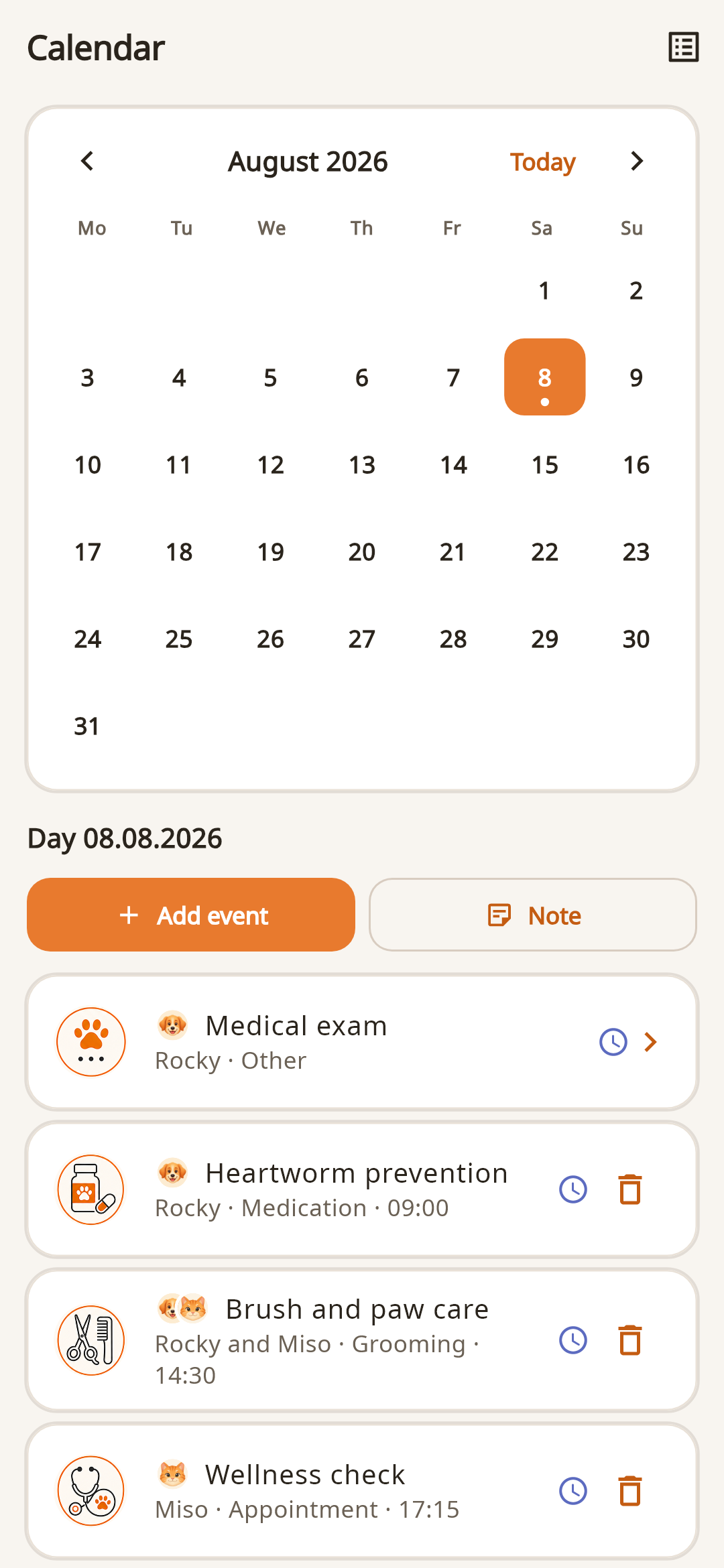
Each event is created for a specific date. For your next feeding, medication, or walk, add a separate event. Automatic repeat series are not yet available.

Do not set notifications too early

For a short daily task, a reminder at the time of completion is enough. For a visit or document, select a time when you can still prepare or reschedule the appointment.

Check the plan for each pet

If there are several animals at home, assign a specific profile to the event. This way, identical procedures are not mixed, and the actions performed remain in the correct history.

Simple start

Add only the nearest medications, the next visit and regular procedures. Transfer the rest to the calendar as needed.

Records, calendar and documents work as one system

Look at what scenarios FangsNTails already supports.