
Appointments and examinations
Date, reason for the visit, notes, specialist conclusions and the next control.
Pet's medical history
Save visits, vaccinations, appointments, results and files next to the profile of your dog or cat. History helps to quickly restore the sequence of events.
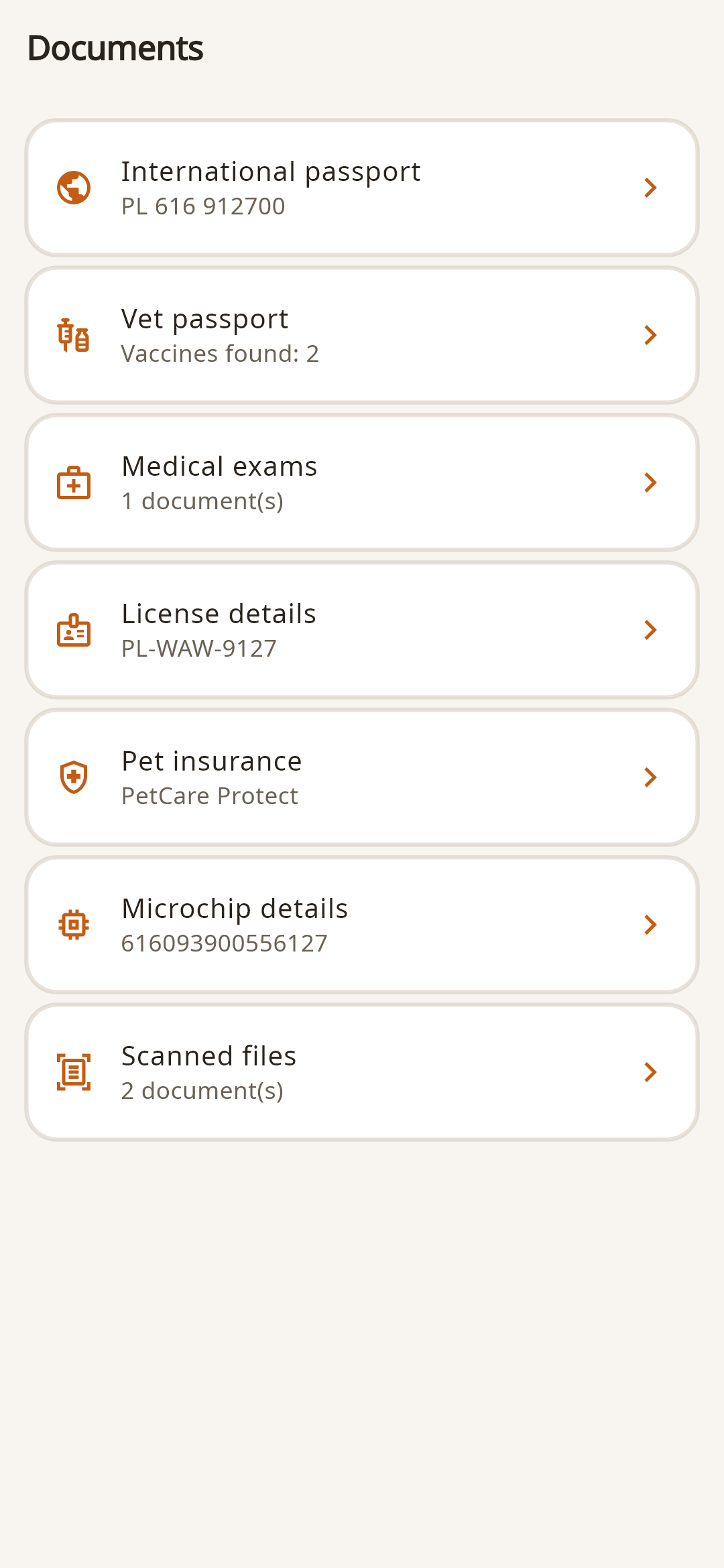
What is stored in the history
Date, reason for the visit, notes, specialist conclusions and the next control.
The procedure performed, supporting document and the next date in calendar.
Care regimen or medications are saved next to the event to which they relate.
Scans, results, photographs and other materials are not lost in the general gallery.
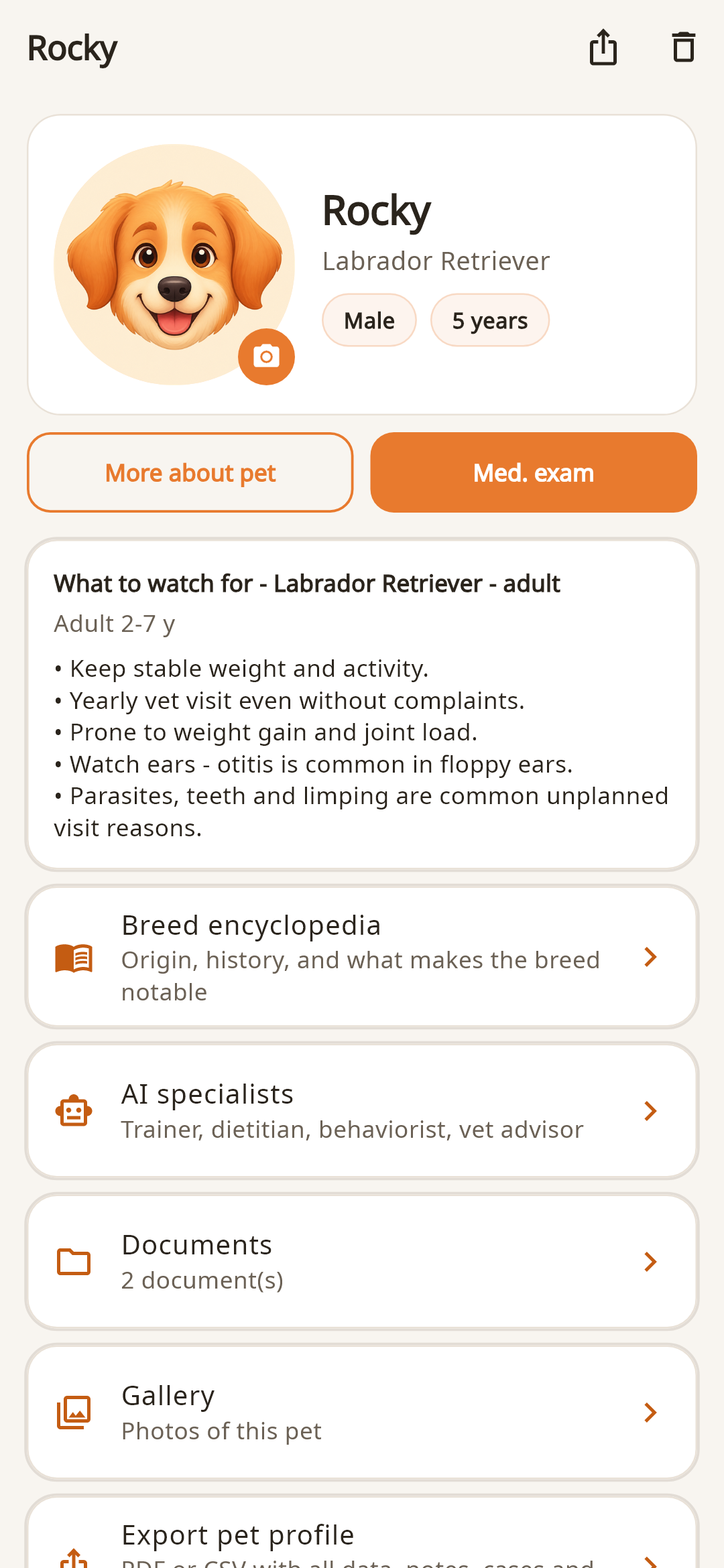
Chronology instead folders
A file without context is difficult to find and even more difficult to explain to a doctor. In FangsNTails, a document can be stored next to the event and profile so that it is clear what it relates to.
Briefly about the main thing
The section is intended for photographs, scans and files related to visits, tests, appointments and other pet events.
Yes. History, indicators and documents belong to the selected profile, so the data of several animals is not mixed.
Data management, export and deletion are described in the application settings and on a separate data deletion page on the website.