
Indicators
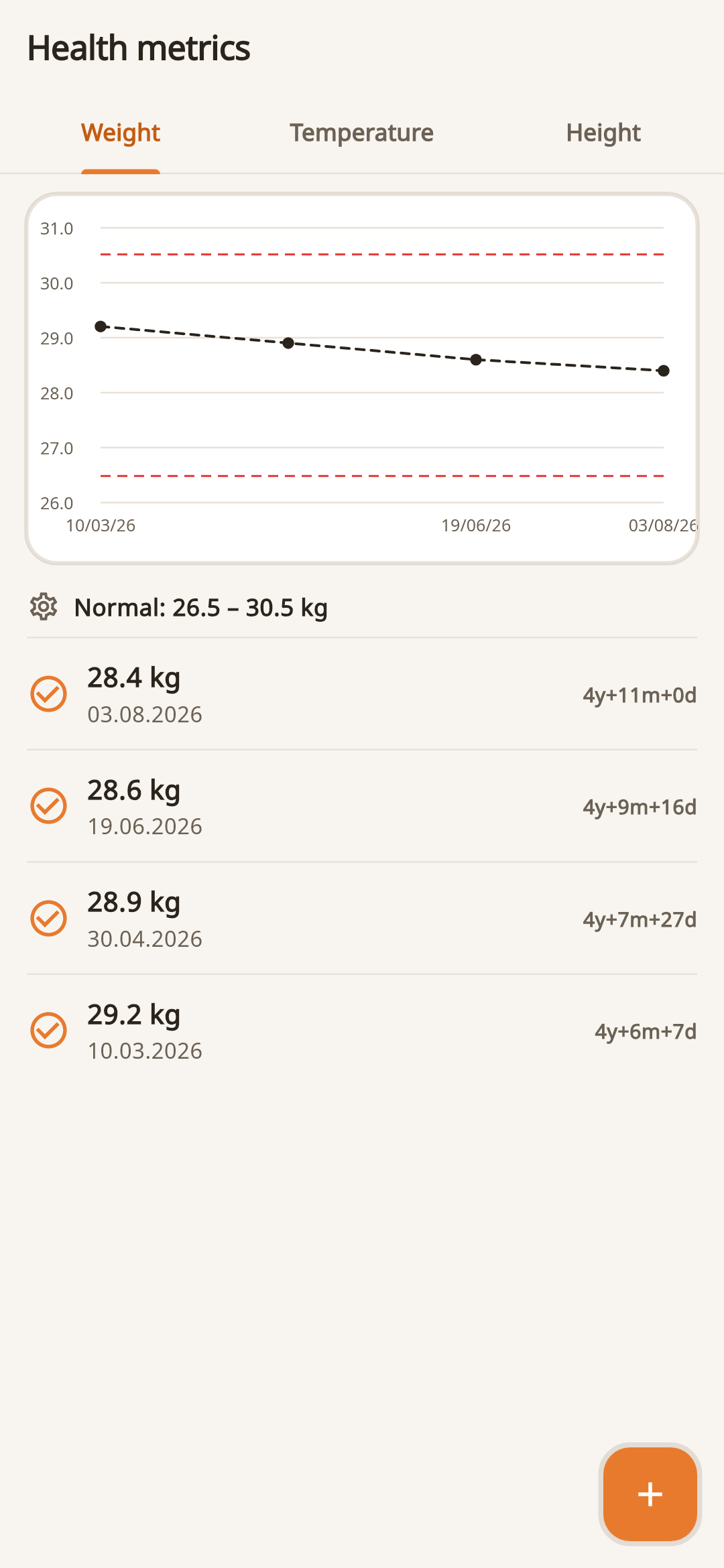
Add weight, height and temperature with the date and a note about the measurement conditions.
Pet health tracker
FangsNTails collects indicators, observations and medical events in one story. Each pet has a separate profile and its own chronology.
What you can track
Add weight, height and temperature with the date and a note about the measurement conditions.
Fix changes in appetite, activity, behavior and other important details.
Link indicators to visits, vaccinations, appointments and documents.
Do not mix cat and dog data: each entry refers to the selected profile.
Context for conversation with a doctor
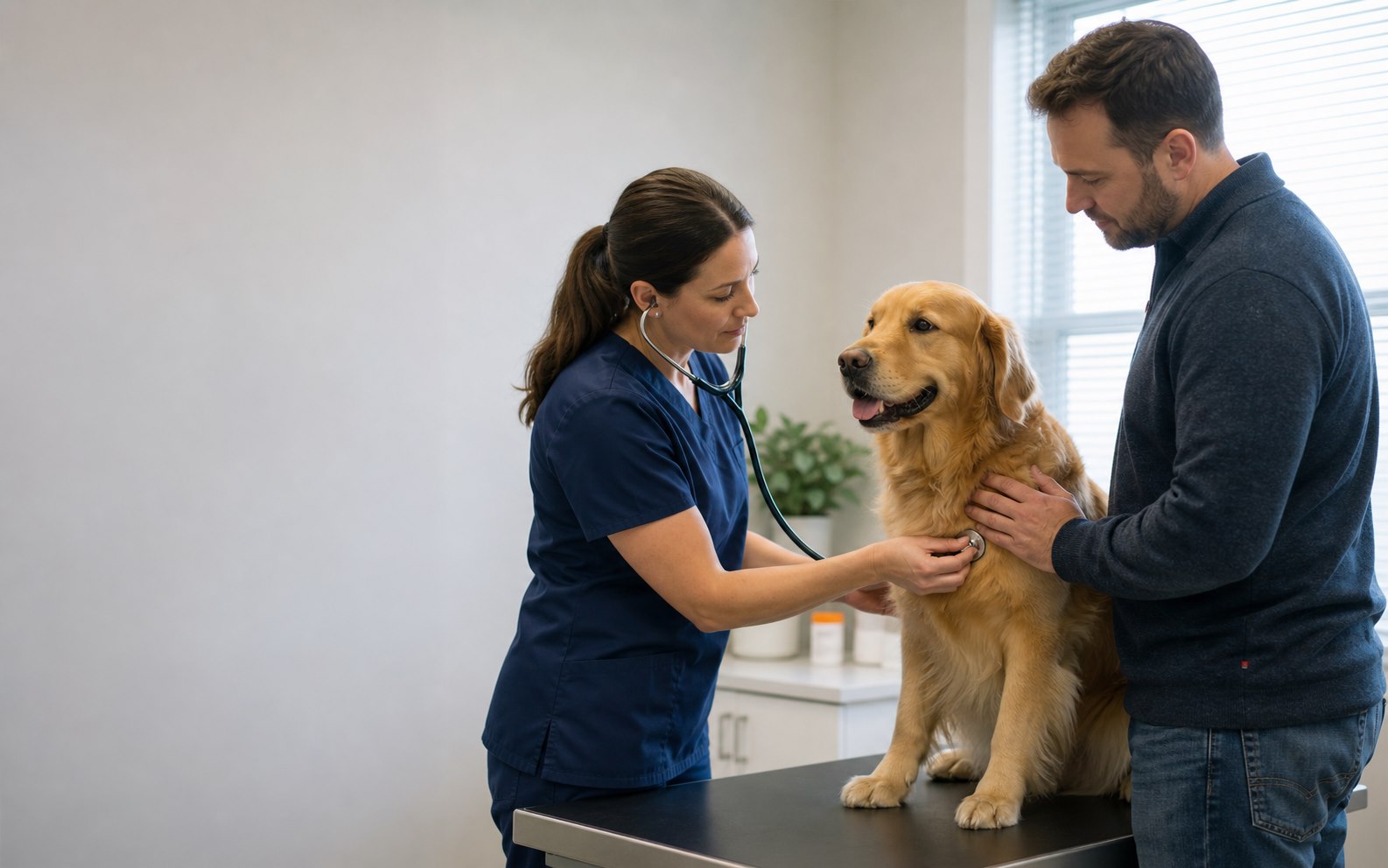
One measurement rarely explains the situation. It is much more useful to see when the indicator changed, what happened before and what orders were already carried out.
Briefly about the main thing
Yes. A separate profile is created for each dog or cat, so indicators, events and documents are not mixed.
The application includes weight, height and temperature, and observations and context can be saved in notes and events.
No. FangsNTails helps organize information and prepare for a conversation with a specialist, but does not replace the examination and conclusion of a veterinarian.